Misc/Turning an Amazon FireStick into a Portable Computer
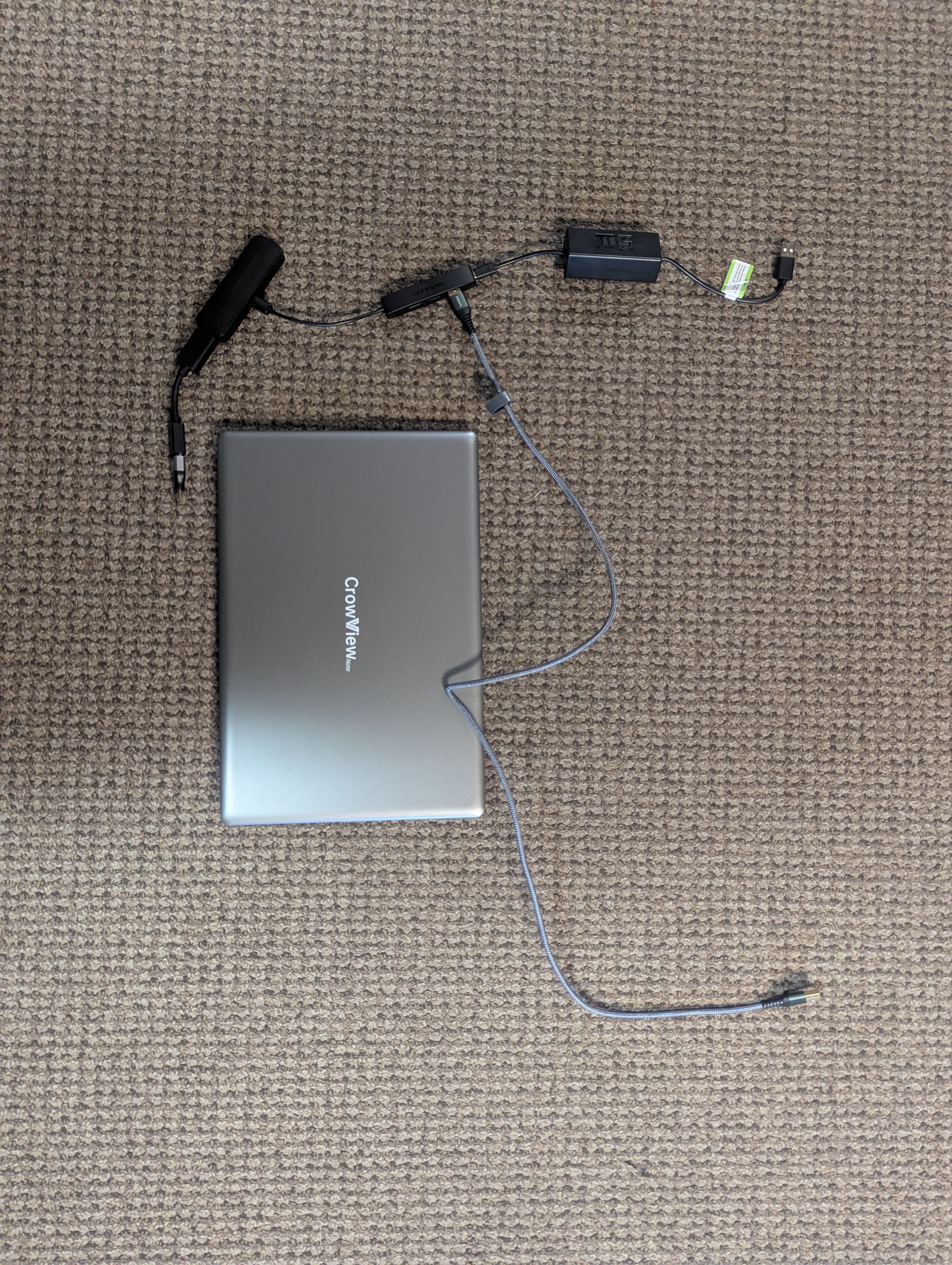
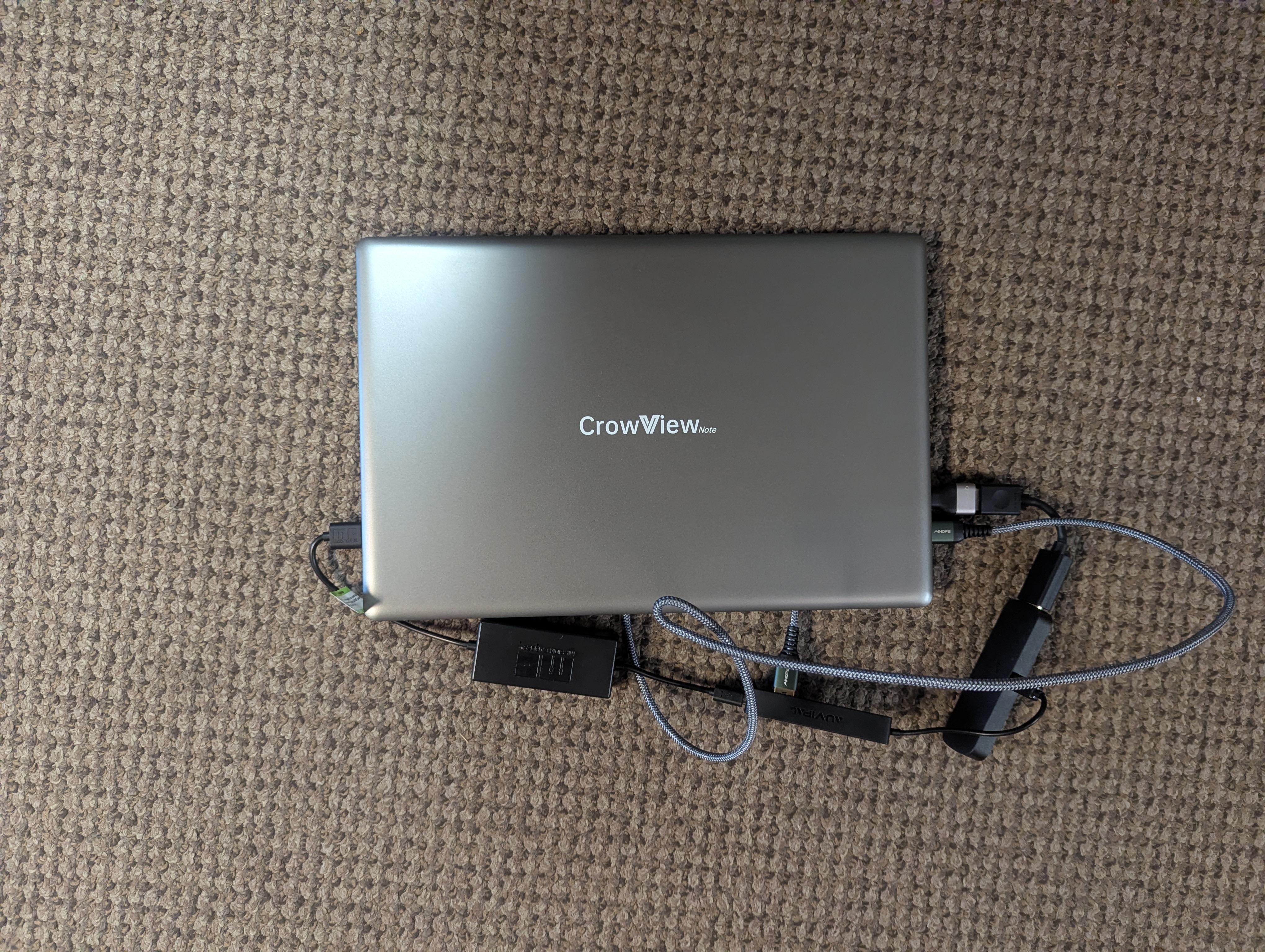
I turned my Firestick into a portable PC. I use it as a thin client to connect to my remote RDP and SSH servers.
These are the parts used:
USB Powercable for Firestick (Eliminates need for AC Adapter)
AuviPal 3-Port Micro USB OTG Hub Adapter (3 USB Ports + Power Port)
I used this YouTube link to enable installing third party APKs on the Android Version of the Firestick.
https://www.youtube.com/watch?v=1GR2dOZcMKM&pp=ygUUZG93bmxvYWRlciBmaXJlc3RpY2s%3D
Then I installed Tailscale from F-DROID and RDP from APKPure to connect remotely. There is a bug where the on-screen keyboard will appear and stay covering the screen while the USB keyboard is attached. This can sometimes softlock your Firestick and require a reboot to get rid of.
Fortunately RDP apps aren't effected by this bug. My firestick is now a real cruddy emergency PC. It works great as a media player still : )
This link can be followed to replace the stock Amazon keyboard with another using ADB.
https://www.techdoctoruk.com/leankey-keyboard-for-firestick/
Remapping keys can potentially be done with these links:
https://android.stackexchange.com/questions/54160/android-keyboard-and-remapping-the-ctrl-key
https://github.com/ris58h/custom-keyboard-layout